Claude
Check your plan before using Fable 5.1
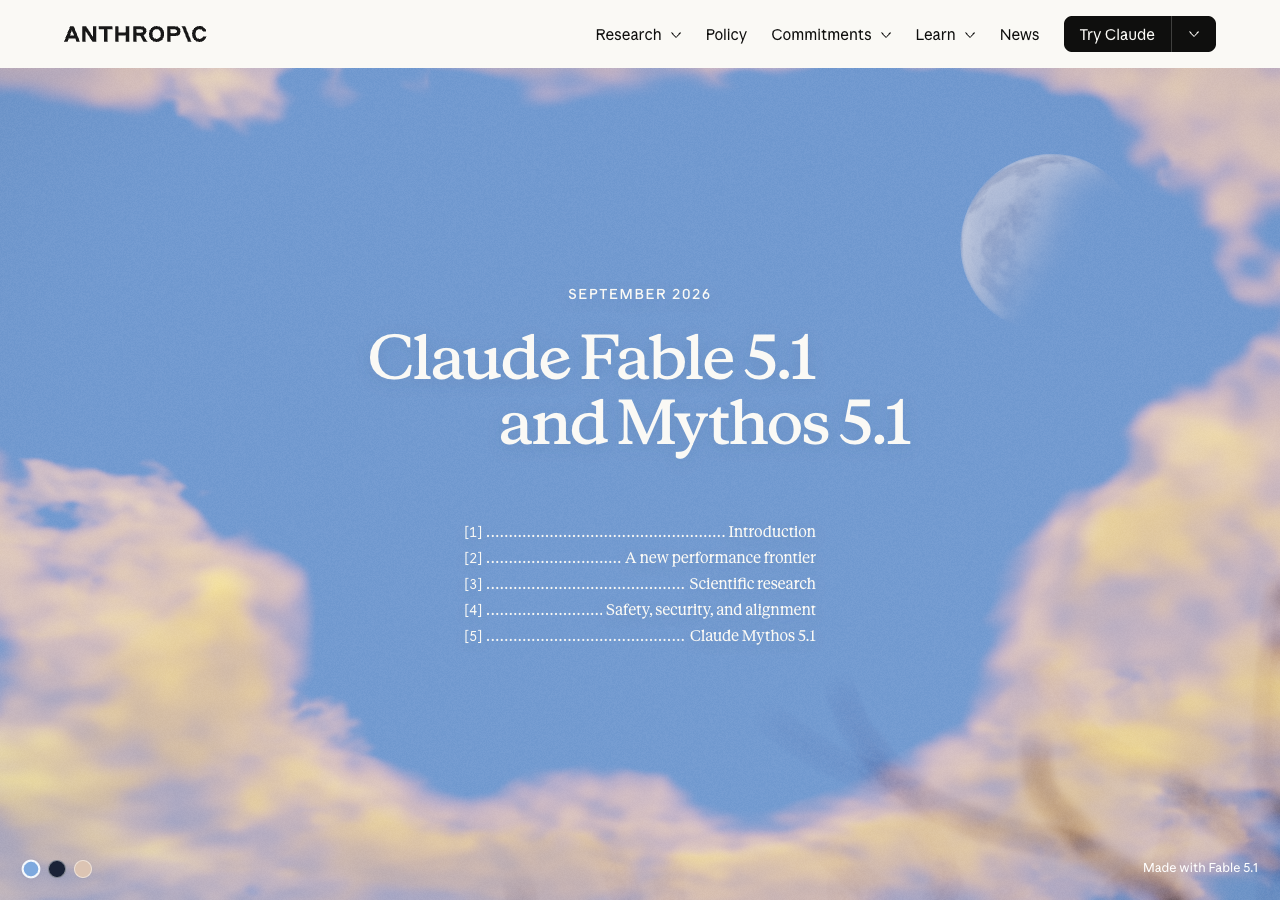
Anthropic’s release page. Fable is generally available; Mythos has restricted access. View source ↗
Fable 5.1 is available in Claude, but what you pay depends on your plan. Pro and standard Team or seat-based Enterprise seats use paid credits from the start. Fable use is not included in their regular allowance.
Max and premium Team or seat-based Enterprise seats can use up to half their shared weekly limit on Fable. That is part of the existing allowance, not an extra half. After that, you can switch models or spend credits.
Try this. Check your usage settings and organization’s model access before trying Fable on a document task. Compare its answer with your usual model before paying for more use.
Images
Edit an image with sketches and comments


ChatGPT Images 2.5 adds sketches, comments on specific parts of an image, and templates. You can show where you want a change instead of describing the whole composition again.
The example above comes from OpenAI: the outfit changes while the pose and background remain similar. It is a vendor demonstration, not a DVx test.
The rollout covers all ChatGPT, Work and Codex tiers on desktop, mobile and web. Your plan’s image limits still matter; access does not mean unlimited generation.
Try this. Use an existing draft image. Request one change, then check faces, text and details you wanted preserved before sharing it.
Gemini
Use Gemini 3.8 Flash for a task you can check
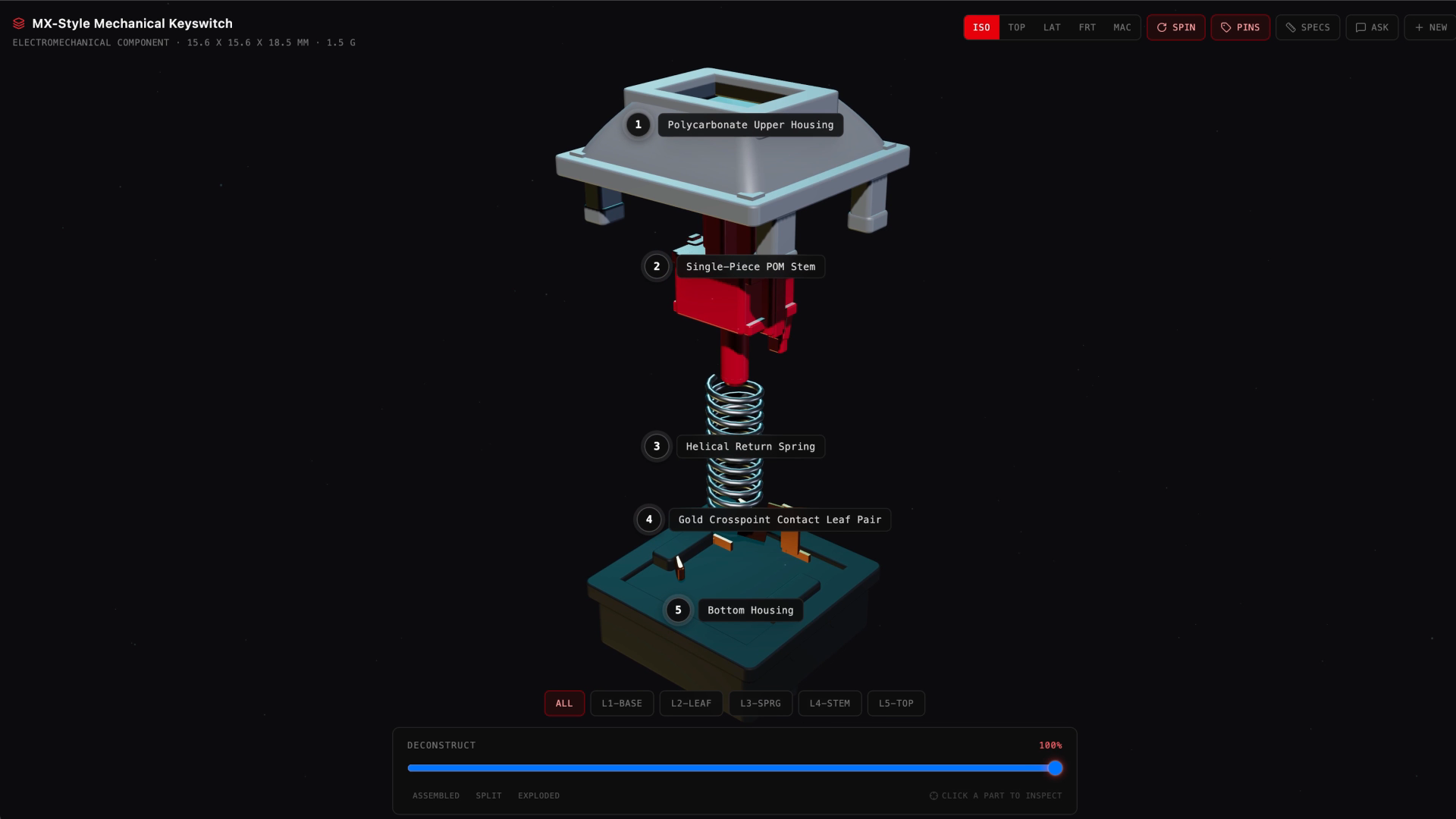
Google’s AI Studio demo, built with Gemini 3.8 Flash. This is a generated app, not a built-in Gemini tool. View source ↗
Google says 3.8 Flash is available to AI Pro and Ultra subscribers in the Gemini app, AI Mode and Google Sheets. Check the product and account you use before buying another plan. The launch does not list every regional limit.
Google’s demo shows an interactive hardware explanation built in AI Studio. For an ordinary work task, start smaller: ask for a comparison table or an explanation based on documents you already understand.
Try this. Try the same request with your usual model and 3.8 Flash. Check the facts and count the corrections each answer needs. Keep using the one that gives you better results.
Also this week
Other releases
Astra in ChatGPT Work
OpenAI’s September 9 work update describes work across websites and desktop apps. Enterprise access requires an administrator to enable it; the organization’s agreement determines usage costs.
Notion model controls
Notion’s September 9 release lets workspace owners choose allowed models for Personal and Custom Agents separately. Check your workspace settings before changing the team default.
More model releases
Muse Spark 1.3 and Qwen’s September snapshot are covered in the Builder release roundup. Neither is a reason on its own to buy another subscription.
Before you upgrade
Try one task on your current plan
- Check accessConfirm the feature is available and whether it uses extra credits.
- Use familiar workPick a draft, image or comparison you can verify yourself.
- Compare the resultCheck how much editing it needs and whether it saves enough time.